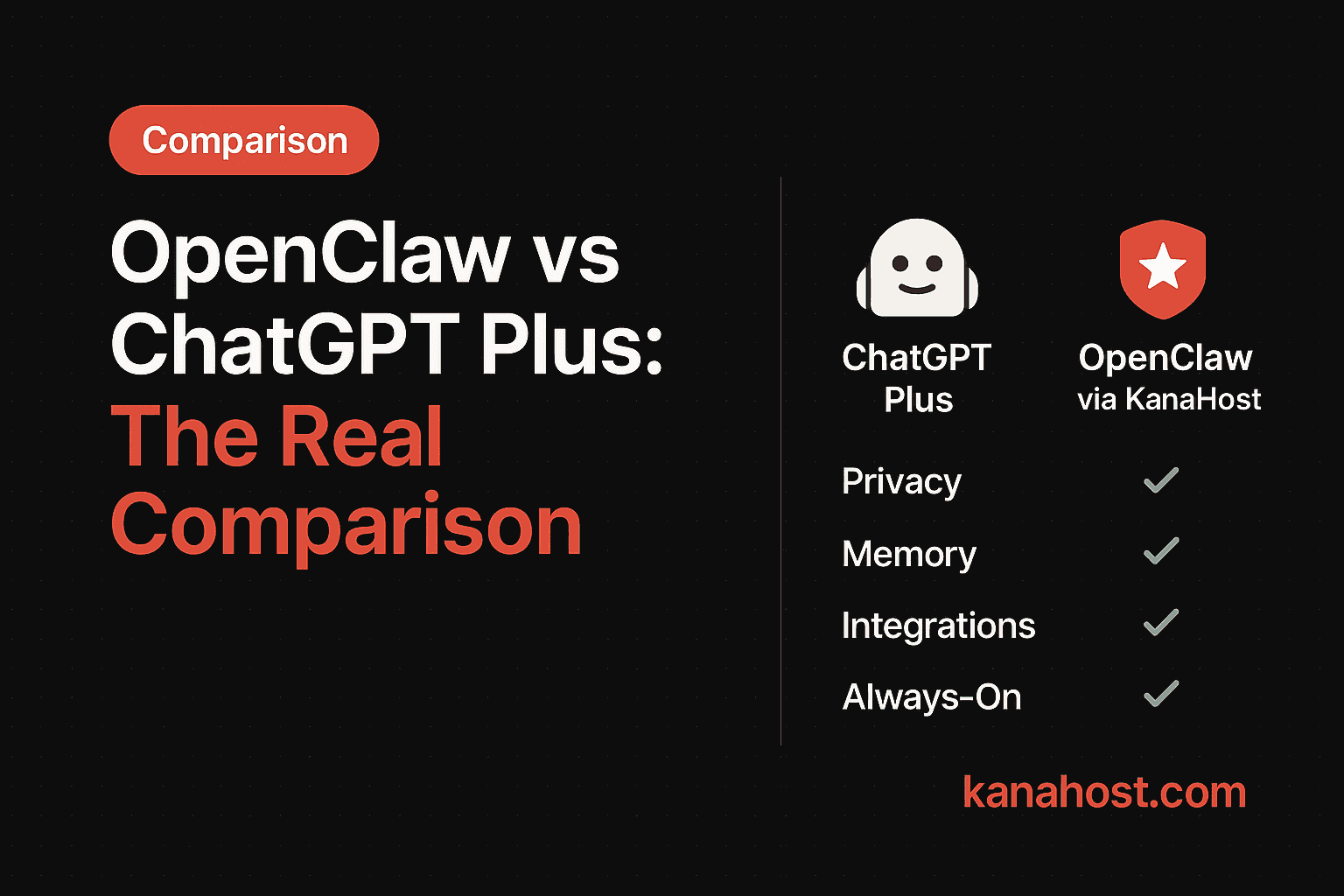
Choosing between OpenClaw and ChatGPT Plus is a choice about how you want to work. One is a convenient, polished product; the other is a powerful, private, and personal infrastructure.
Feature Comparison
| Feature | ChatGPT Plus | OpenClaw (via KanaHost) |
|---|---|---|
| Privacy | Your data is used for training. | Your data is yours alone. |
| Memory | Ephemeral or limited memory. | Persistent, long-term memory of your work. |
| Integrations | Limited by OpenAI's ecosystem. | Connects to your real email, calendar, and tools. |
| Customization | Low. | High. Tailor it to your specific workflows. |
| Voice/Channels | Limited (App). | Works in Telegram, WhatsApp, email, voice. |
| Always-on | No. | Yes, runs 24/7 on your server. |
| Cost | Fixed $20/mo. | Variable, based on usage + infrastructure. |
The Case for ChatGPT Plus
It is the most convenient tool on the market. You pay your money, you get your account, and it works. No setup, no configuration, no infrastructure decisions. If you want something that just works for casual tasks — writing help, quick research, brainstorming — it's hard to beat.
ChatGPT is also genuinely good at what it does. The interface is clean. The model is strong. For millions of people, it's exactly the right tool.
The Case for OpenClaw
OpenClaw is for when you want your assistant to actually know you. It's for when you want your AI to read your emails, check your calendar, and draft work in your voice. It remembers last month's conversation. It knows your clients by name. It flags the follow-up you forgot about.
The difference is the gap between a search engine and an assistant. ChatGPT answers your questions. OpenClaw manages your workflow.
Here's a practical example. With ChatGPT, you might say "Draft an email to my client about the project delay." You'd need to provide the client's name, the context, and the tone. With OpenClaw, you say the same thing and it already knows the client, the project, your communication style, and the last three emails in the thread. The draft is ready in seconds, and it sounds like you wrote it.
When to Use Which
Stick with ChatGPT Plus if:
- You want a general-purpose chatbot for quick tasks
- You don't need your AI to connect to your email or calendar
- Privacy isn't a primary concern
- You prefer zero setup
Switch to OpenClaw if:
- You want your AI to actually take action, not just answer questions
- You need real integrations with your tools (Gmail, Calendar, CRM)
- You want persistent memory across conversations
- You care about data privacy and ownership
- You need it available 24/7, not just when you open the app
If you value privacy and need your AI to be part of your actual workflow, OpenClaw is the better choice. KanaHost makes this powerful tool accessible without the technical hurdles. If you just want a smart chatbot for casual help, ChatGPT is fine.