Everything your AI assistant can do
Kana isn't just hosting — it's a complete managed AI assistant experience with infrastructure that heals itself and an assistant that gets smarter over time.
ChatGPT answers questions.
Kana takes action.
Most AI tools are chat windows. You type, they respond, you copy-paste the result somewhere else. Kana is different — it connects to your real tools and works on your behalf. It sends the email, schedules the meeting, tracks the follow-up, and remembers the context next time.
Without Kana
- Check email manually every hour
- Forget to follow up on messages
- Spend 20 min prepping for each meeting
- Lose track of client conversations
- Google the same things repeatedly
- Context resets every conversation
With Kana
- Morning briefing tells you what matters
- Automatic follow-up reminders
- Meeting prep with attendee context in 10 seconds
- Knowledge graph remembers every interaction
- Research assistant always on standby
- Memory persists across all conversations
6
channels supported
24/7
always accessible
< 2s
crash recovery
847+
avg. knowledge entities
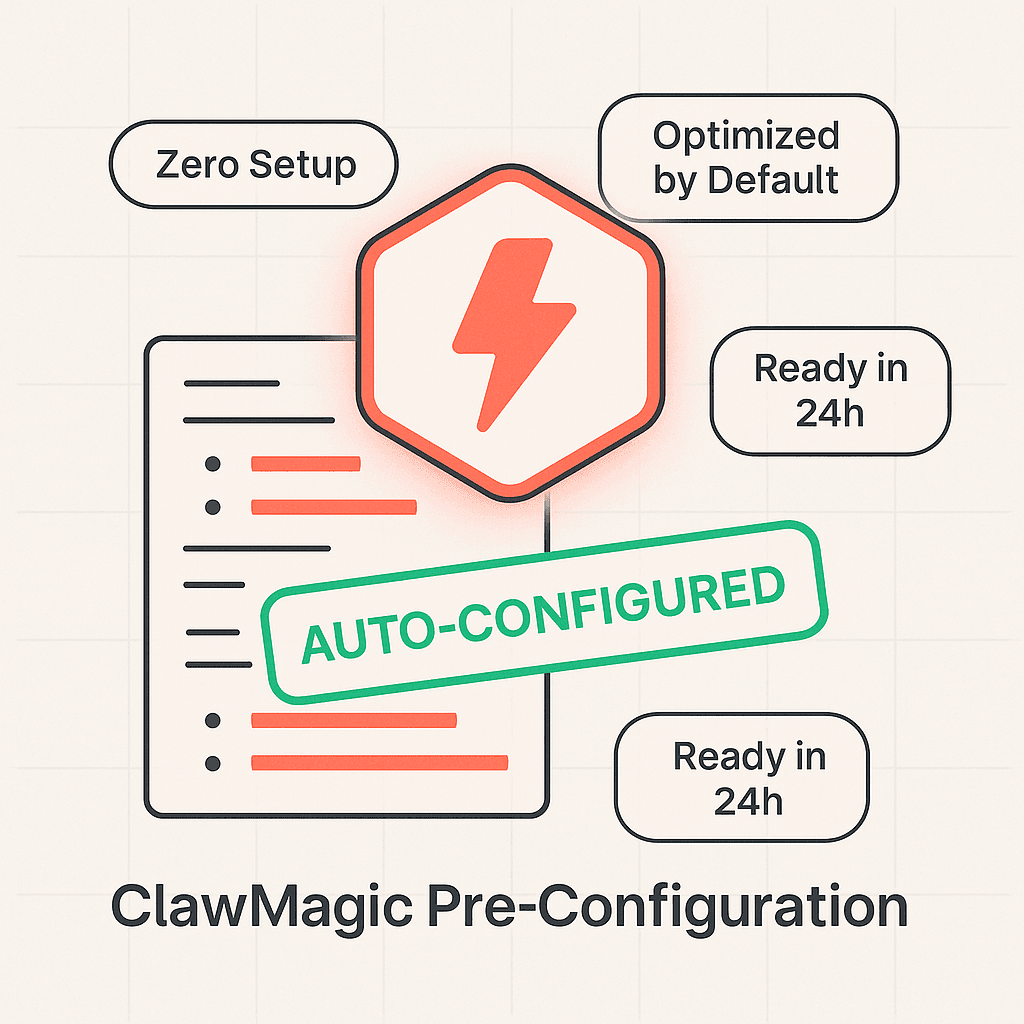
Smart Pre-Configuration
Your assistant arrives ready to work — not as a blank install. Our AI-optimized setup configures your OpenClaw instance with the right settings based on your onboarding questionnaire.
- Timezone-aware scheduling
- Tool connections pre-configured
- Personality and tone calibrated
- Morning briefing templates set up
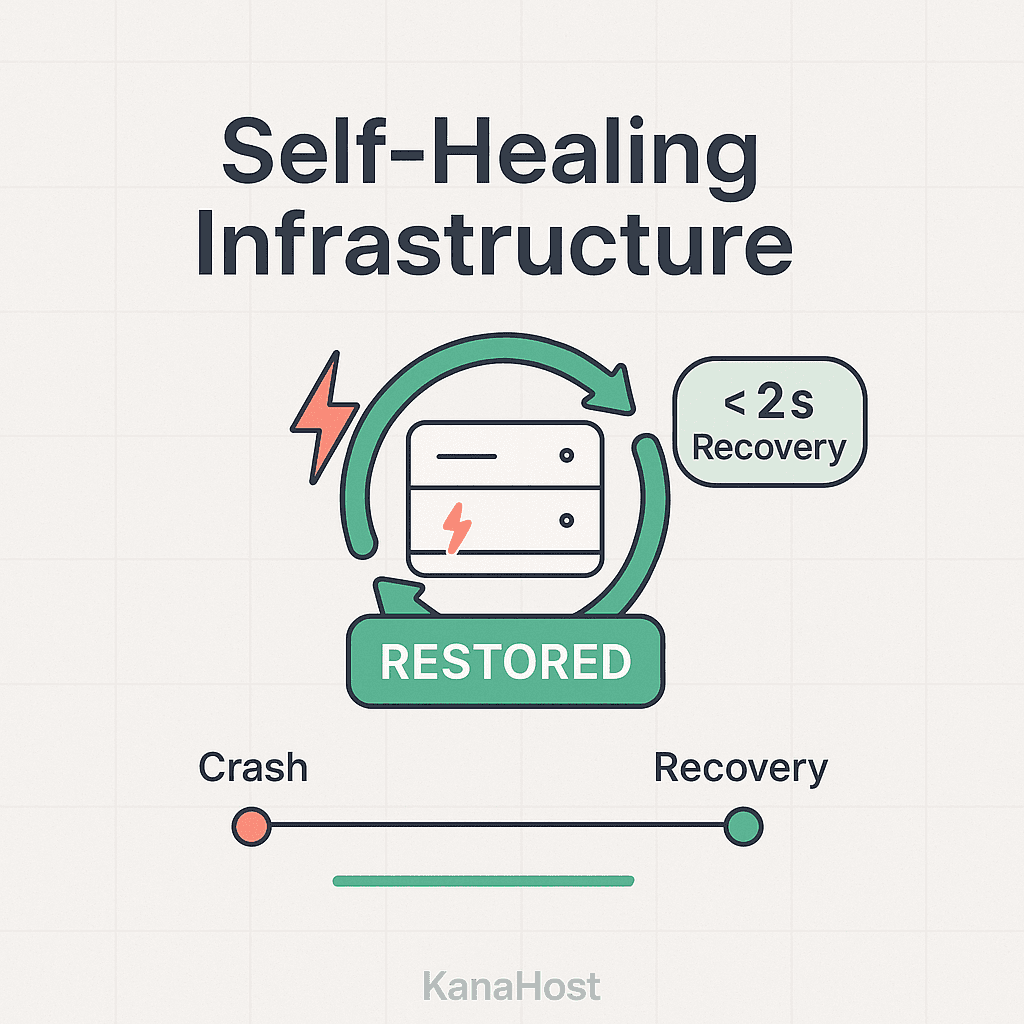
Self-Healing Infrastructure
A watchdog process monitors your instance 24/7. Crashes are detected in seconds and resolved automatically. A master agent oversees the fleet, escalating only when human intervention is truly needed.
- Sub-second crash detection
- Automatic restart & recovery
- Master agent fleet oversight
- Proactive health monitoring
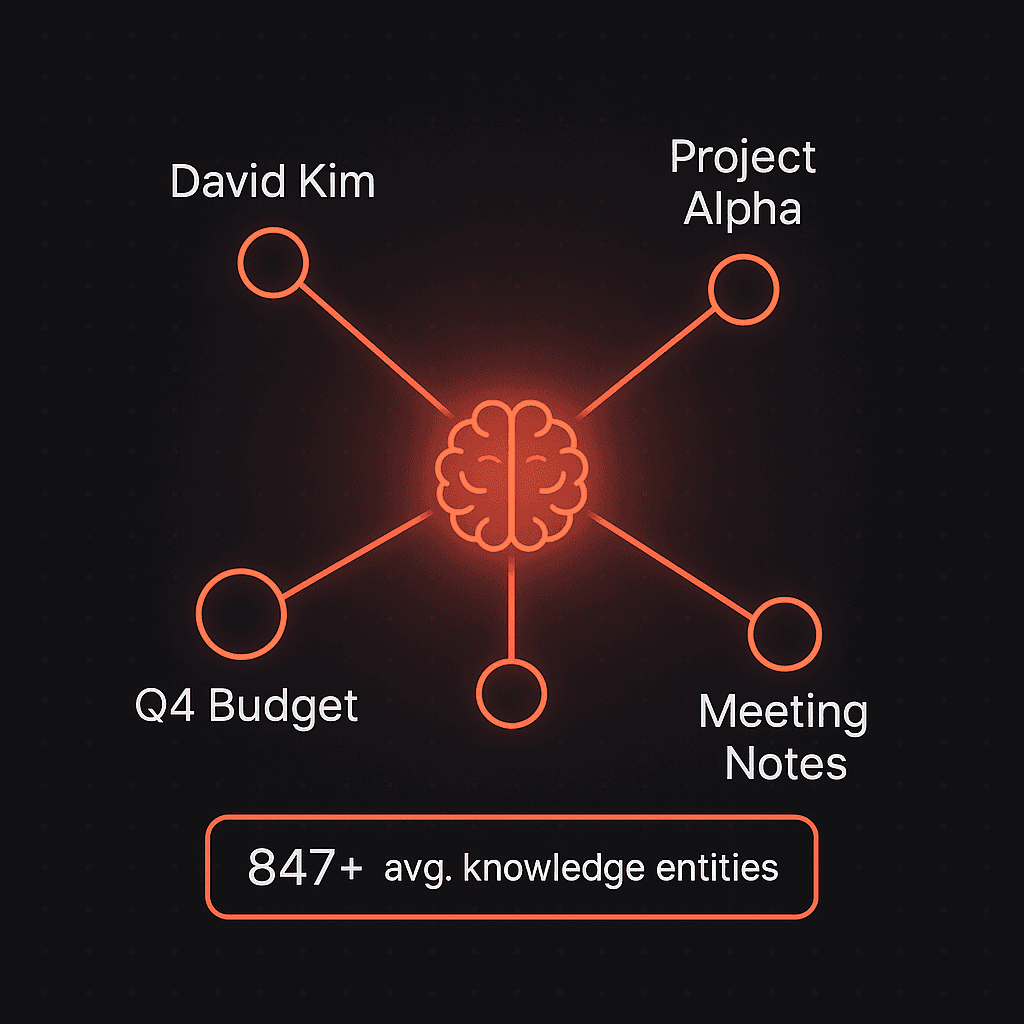
Knowledge Graph Memory
Powered by Cognee, your assistant builds a structured memory of your contacts, projects, preferences, and history. The longer you use it, the more useful it becomes.
- Remembers contacts & relationships
- Tracks project context over time
- Surfaces relevant history on demand
- Available on Pro and Enterprise plans
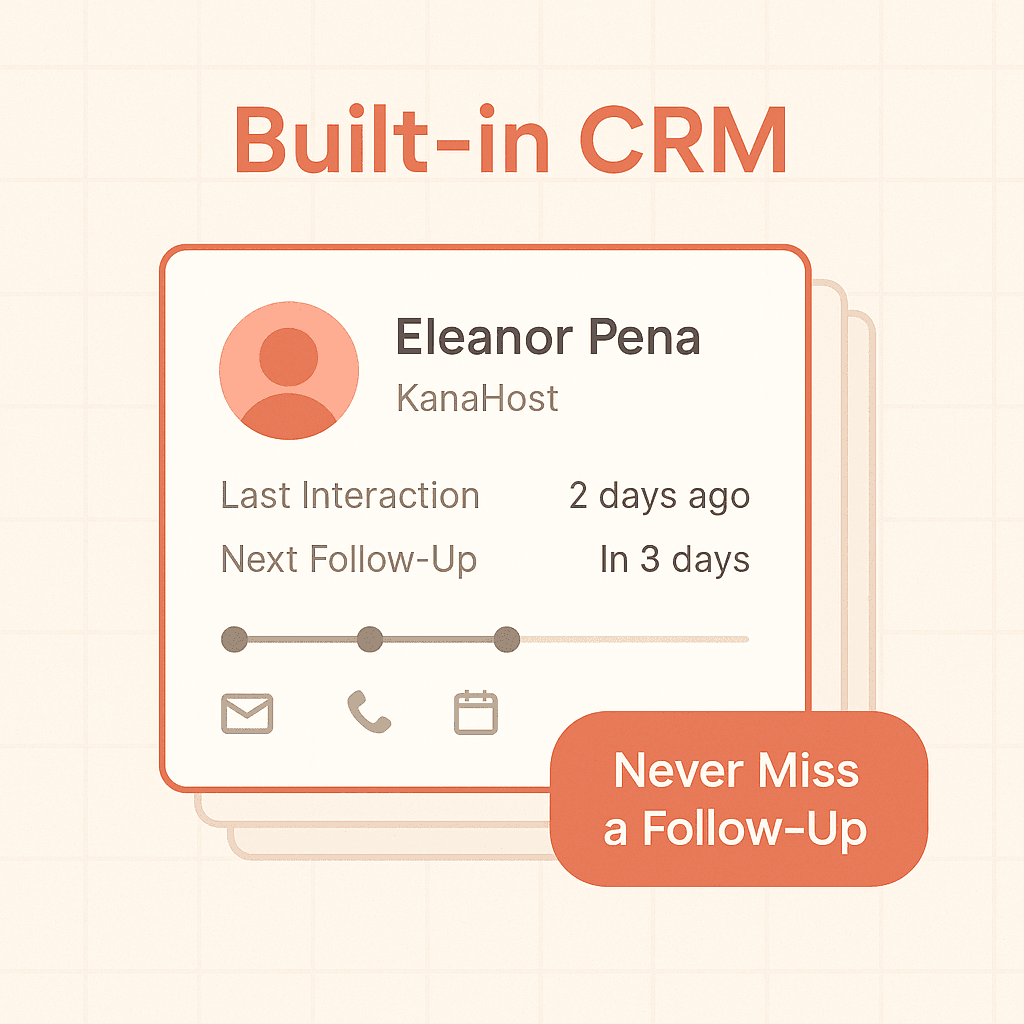
Built-in CRM
Twenty CRM is integrated into your Pro and Enterprise instances. Your assistant automatically logs interactions, tracks follow-ups, and keeps your contacts organized.
- Automatic contact logging
- Follow-up reminders
- Interaction history
- Available on Pro and Enterprise plans
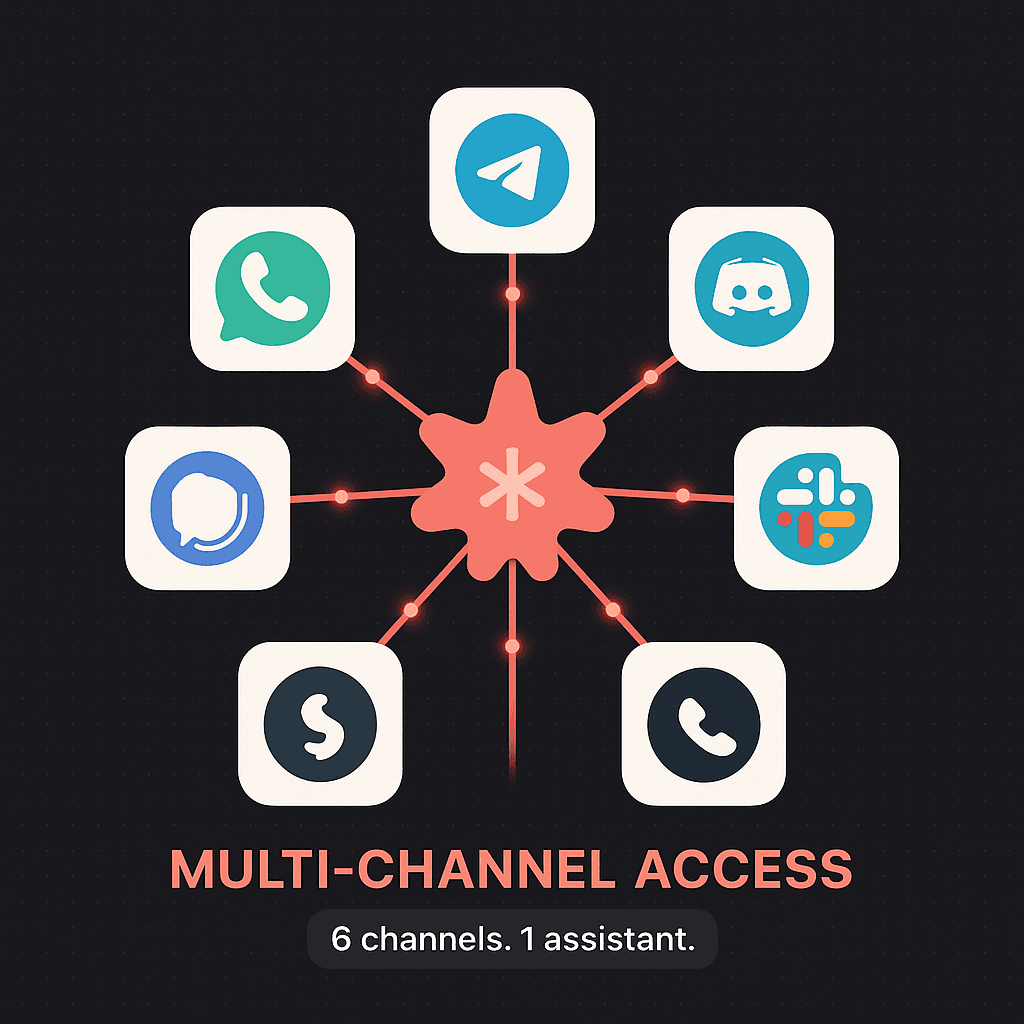
Multi-Channel Access
Talk to your assistant wherever you are — Telegram, WhatsApp, Slack, Discord, or email. All channels sync to the same context, so your assistant always knows what's going on.
- Telegram
- Discord
- Signal
- Slack (Max plan)
- Web chat dashboard
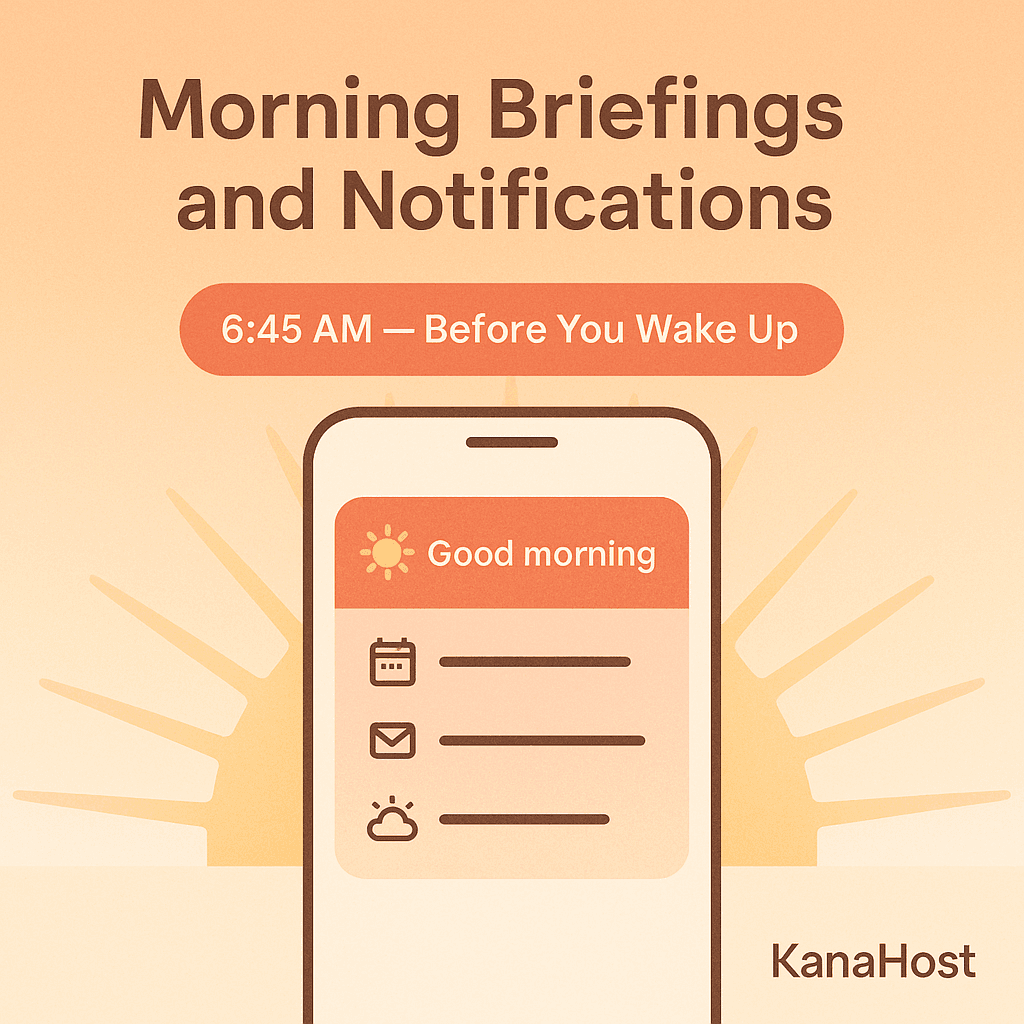
Morning Briefings & Notifications
Start your day with a proactive summary of meetings, emails that need attention, follow-ups due, and anything else your assistant thinks you should know.
- Daily morning briefing
- Proactive reminders
- Priority email flagging
- Calendar conflict detection
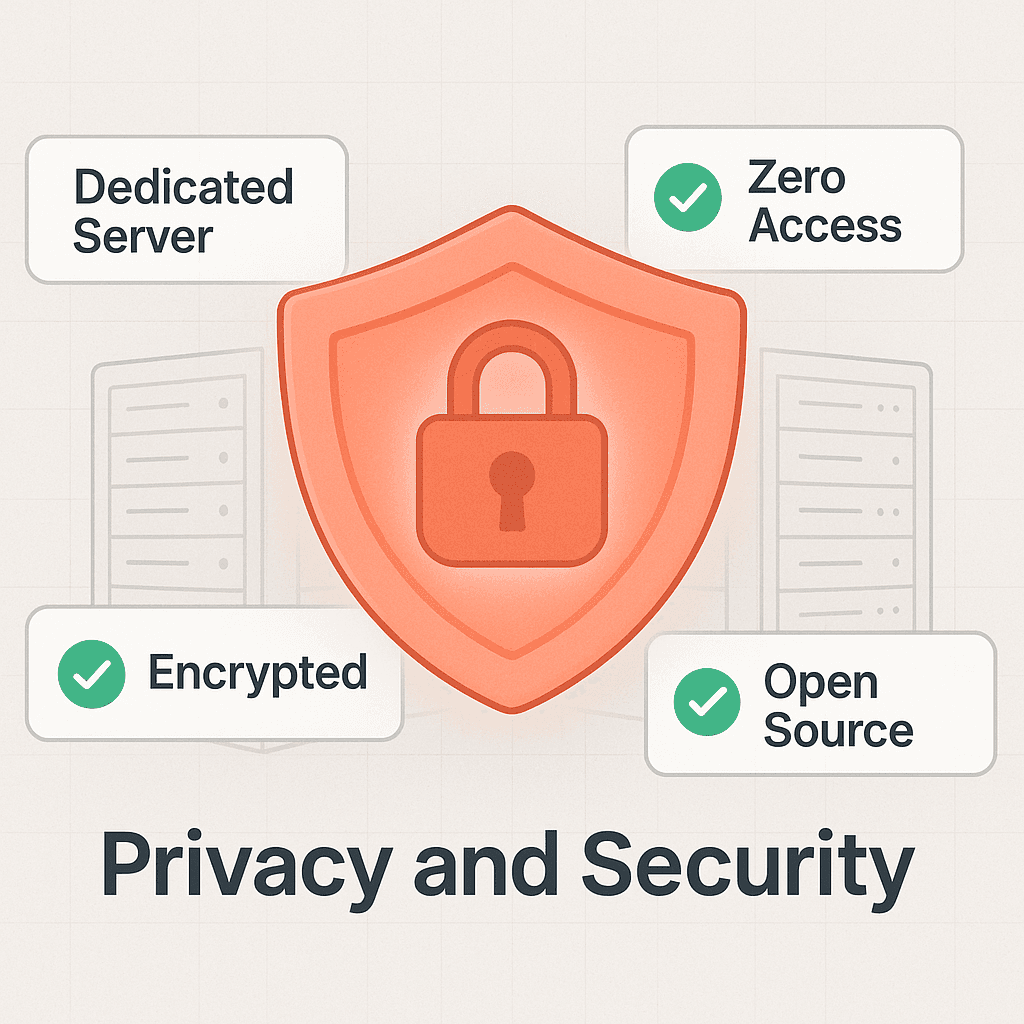
Privacy & Security
Your assistant runs on a dedicated server accessed only through Tailscale VPN. The software is 100% open source. We manage the infrastructure but never access your data.
- Dedicated server (not shared)
- Tailscale mesh VPN
- Let's Encrypt TLS
- Open source & verifiable
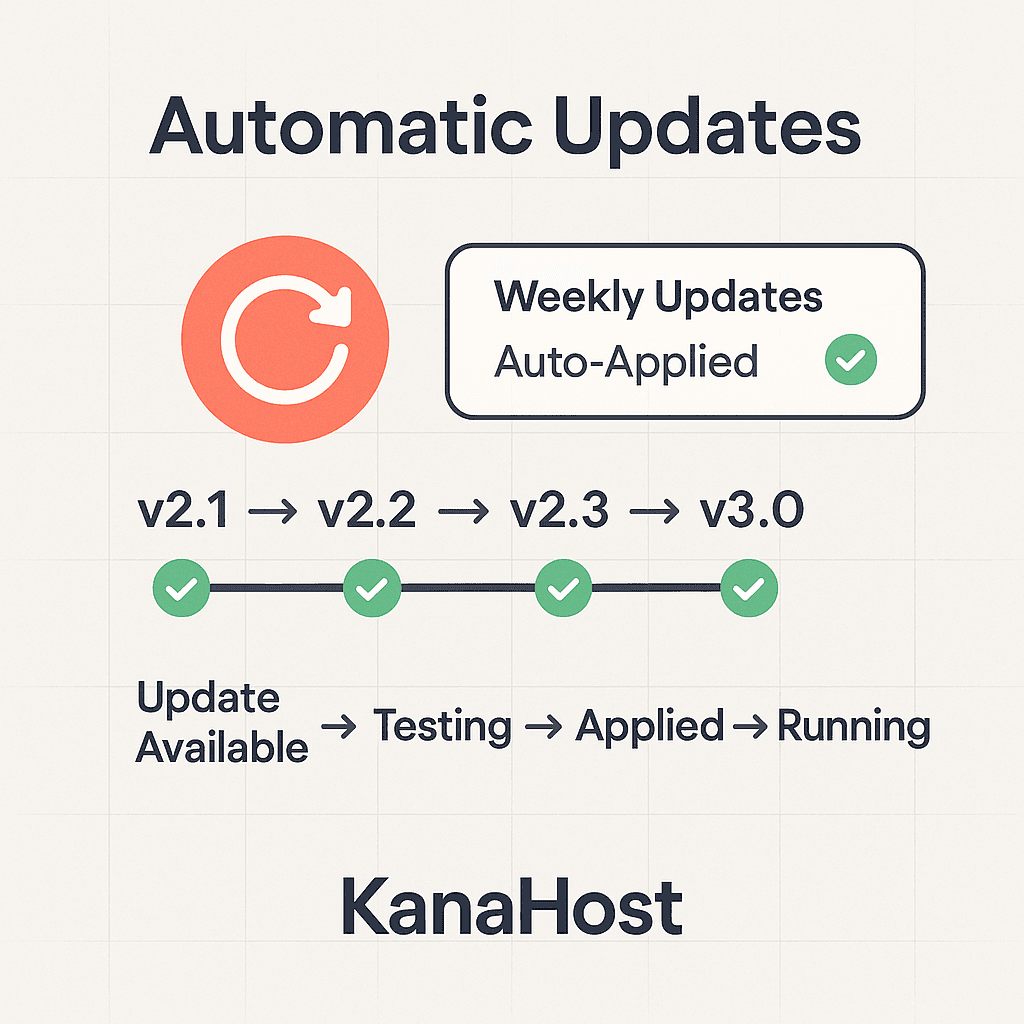
Automatic Updates
We test every OpenClaw update before deploying it to your instance. If an update causes issues, it's automatically rolled back. You always run the latest stable version.
- Pre-deployment testing
- Automatic rollback on failure
- Zero-downtime updates
- Weekly update cadence
Every plan. Every feature below.
No feature gating on the essentials. All plans include a dedicated server, self-healing, automatic updates, and multi-channel access.
Dedicated server
Self-healing watchdog
Automatic updates
Smart pre-configuration
Telegram & WhatsApp
Discord & Signal
Morning briefings
Web search
“I replaced three different tools with one Kana instance. Morning briefings alone save me 30 minutes a day.”
Marcus P. — Solopreneur
Ready to get started?
Choose a plan and have your AI assistant running in under 24 hours.