How it works.

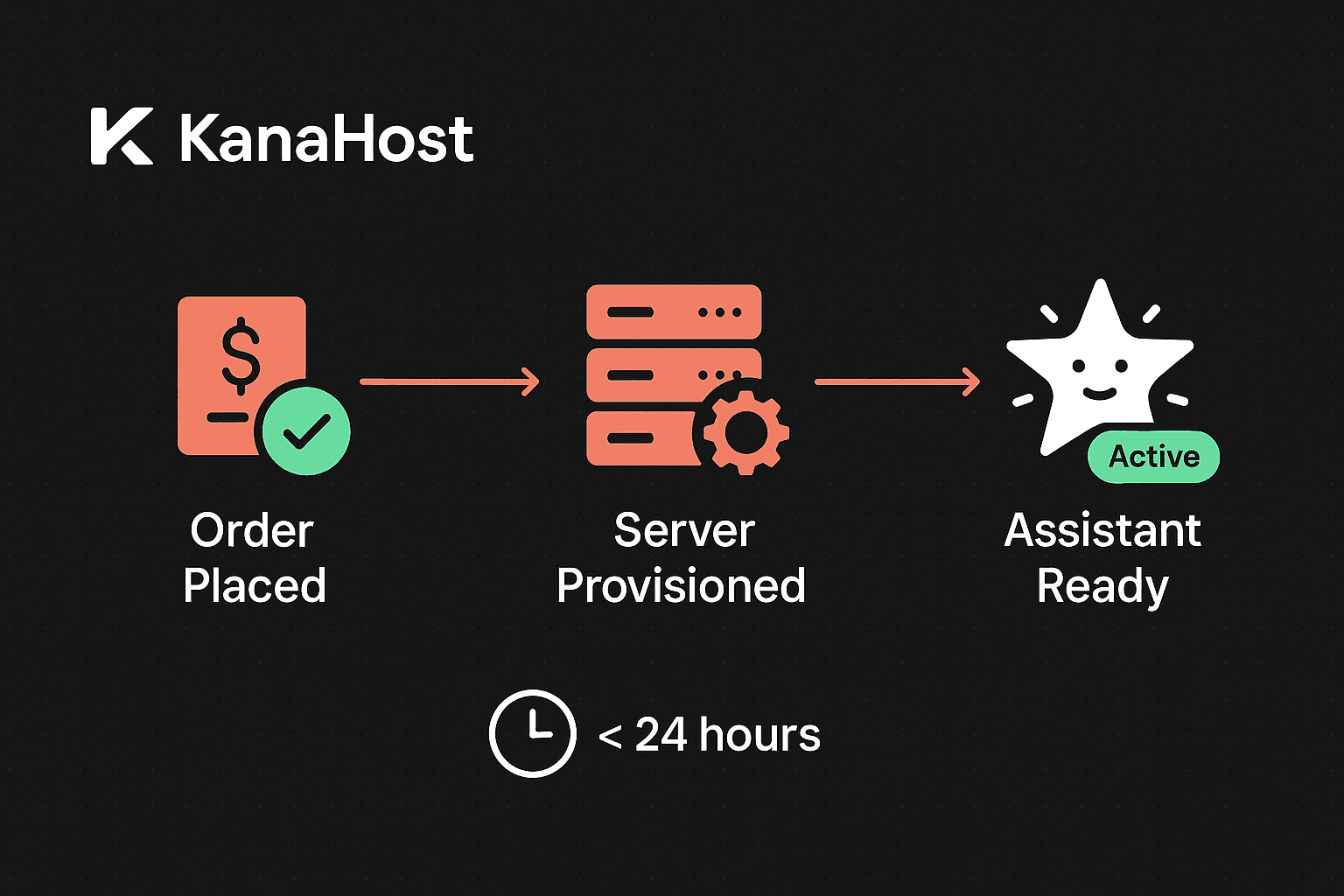
Three steps. No terminal required. Sign up, we build your instance, you start talking to your AI. Under 24 hours from start to finish.

Setting up OpenClaw on your own means provisioning a server, configuring DNS, managing Docker containers, connecting tool integrations, and keeping everything updated. With KanaHost, we handle all of that. You answer four questions, and we deliver a fully configured, secure, private AI assistant running on dedicated infrastructure.

Here's exactly what happens when you sign up for managed OpenClaw hosting — and what your first week looks like.

Three steps to your AI assistant

13 minutes

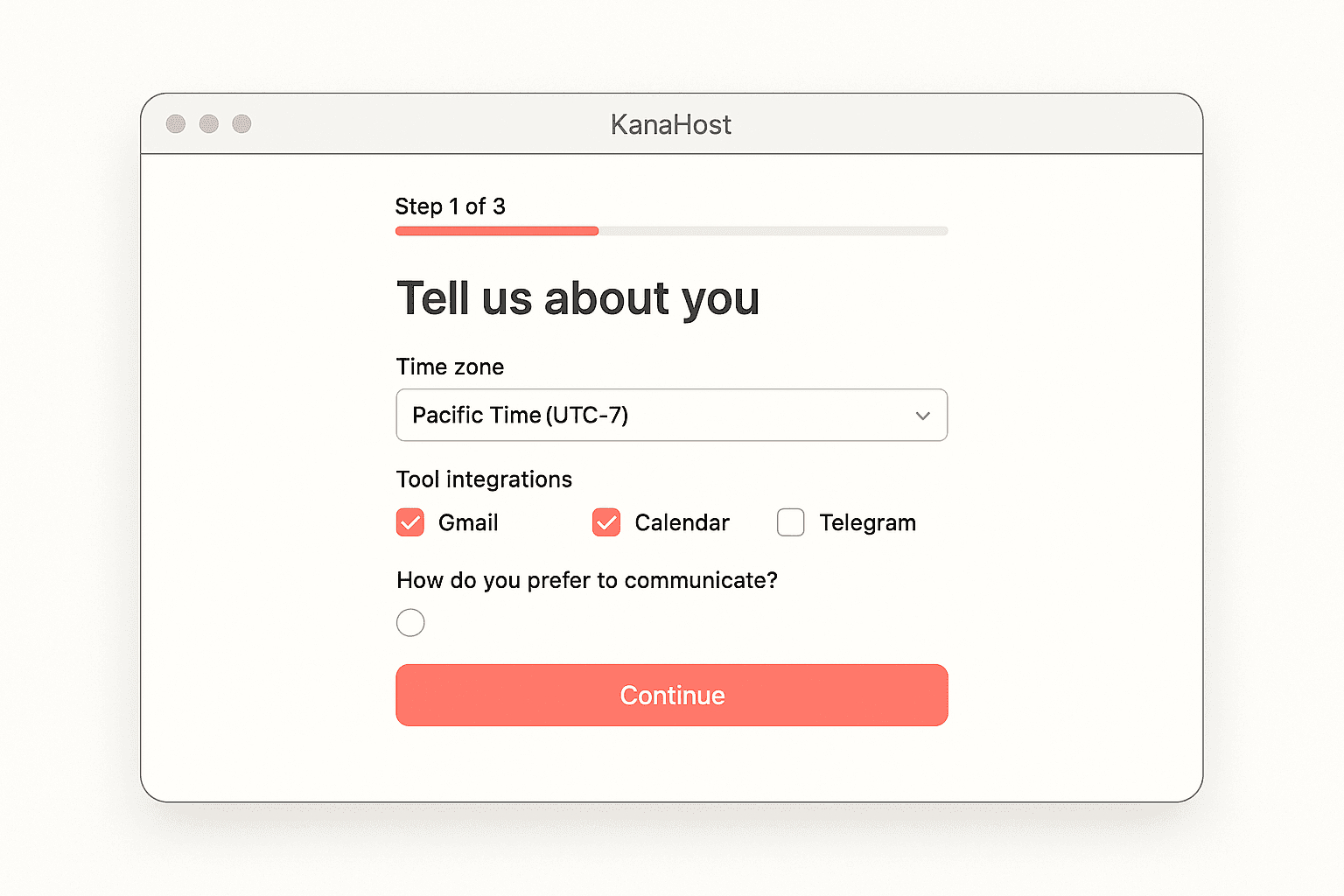
Tell us how you work

Pick your plan. We ask four things: what it's for, which channels, what tools you use, and whether you want voice calls. No server specs. No environment variables.

2Under 24 hours

We build your instance

Your dedicated server is provisioned, configured, and optimized. ClawMagic applies settings tuned across hundreds of deployments. Channels connected, watchdog activated, Knowledge Graph set up.

315 minutes

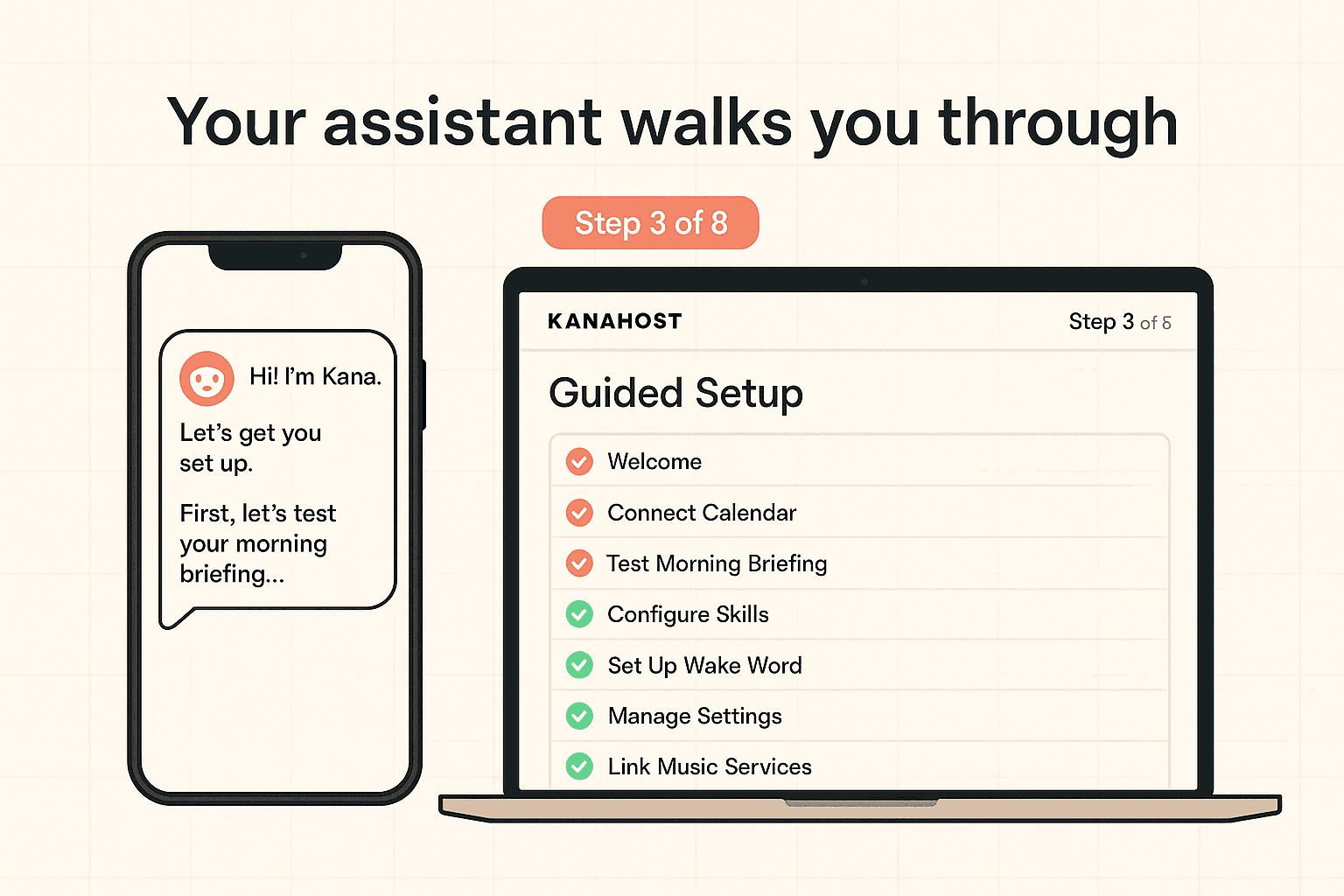
Take it for a test drive

Open Telegram and say hello. Your AI walks you through 8 quick tests — morning briefing, email summary, research query, reminder, image generation, calendar check, voice call, and a wildcard task.

Your first week: a day-by-day guide

Your assistant learns as you use it. We help you build the habit.

Day 1

Setup and Introduction

Your AI introduces itself. You complete the 8-step walkthrough in your messaging app. You try asking one simple task — maybe a reminder, a quick question, or a web search.

Day 2

Calendar Integration

Connect your Google Calendar. Your AI summarizes your day before your first meeting. You see what a proactive morning briefing feels like.

Day 3

Email and Drafting

Your assistant drafts a standard email from your inbox, keeping your tone and style. It learns how you write by reading what you've sent before.

Day 4

Research

You provide a topic. Your assistant researches it, organizes the findings, and delivers a structured summary. Way faster than doing it yourself.

Day 5

Memory in Action

You ask for a detail from an earlier conversation. Your assistant retrieves the context — names, dates, decisions — without you scrolling through old chats.

Day 6

Voice

You test a voice call from your phone. Set a reminder while walking, get a briefing while driving. Same privacy, same context, hands-free.

Day 7

The Click Moment

You review what your AI handled this week. Recurring tasks, automatic scanning, Knowledge Graph building. Your AI starts anticipating what you need.

The guided test drive

Your onboarding happens inside your messaging app. No dashboards, no portals.

You start your test drive inside Telegram (or your app of choice). The AI conversationally guides you through eight tasks:

1Setting a recurring daily briefing
2Connecting your calendar
3Drafting a sample email
4Setting up a project reminder
5Performing a sample research query
6Triggering a status update from your inbox
7Configuring voice call preferences
8Confirming your notification settings

Simple, direct, and puts your assistant to work immediately. Every OpenClaw feature is available from the start.

What happens behind the scenes.

You don't need to know this. But if you're curious.

Every few secondsWatchdog checks process health, memory, disk
Every minuteCrashed services auto-restarted
Every dayAutomated backups, security patches applied
Every weekOpenClaw updates tested and deployed
AlwaysEncrypted connections, isolated infrastructure

All of this runs automatically on your managed OpenClaw hosting instance. Read more about our security architecture.

After setup.

You're not abandoned after onboarding.

PlanSupportResponseExtras
StarterEmail48 hoursDocumentation
ProPriority email24 hoursOnboarding call + 30-day check-in
EnterpriseDedicated manager12 hoursQuarterly reviews + custom help

See all managed OpenClaw hosting plans with full pricing details.

Setup questions

We migrate your existing instance — configuration, memory, knowledge graph, everything. You don't start over. Most migrations take under 24 hours.

No. Your AI lives in apps you already have — Telegram, Discord, WhatsApp, email. Nothing to download.

Your choice. OpenClaw supports Claude, GPT-4, Gemini, and others. You bring your own API key; we help you set it up.

Everything is editable. ClawMagic sets smart defaults, but nothing is locked. Change your AI's personality, channels, integrations — anytime.

Yes. We export your full instance — data, configuration, everything. No lock-in.

Most users report their assistant becoming indispensable within the first week. By day 3, you'll have calendar and email connected. By day 7, your AI is anticipating your needs.

Ready to stop managing servers?

Pick your plan. Answer four questions. Your AI assistant will be running before tomorrow.

Get Started