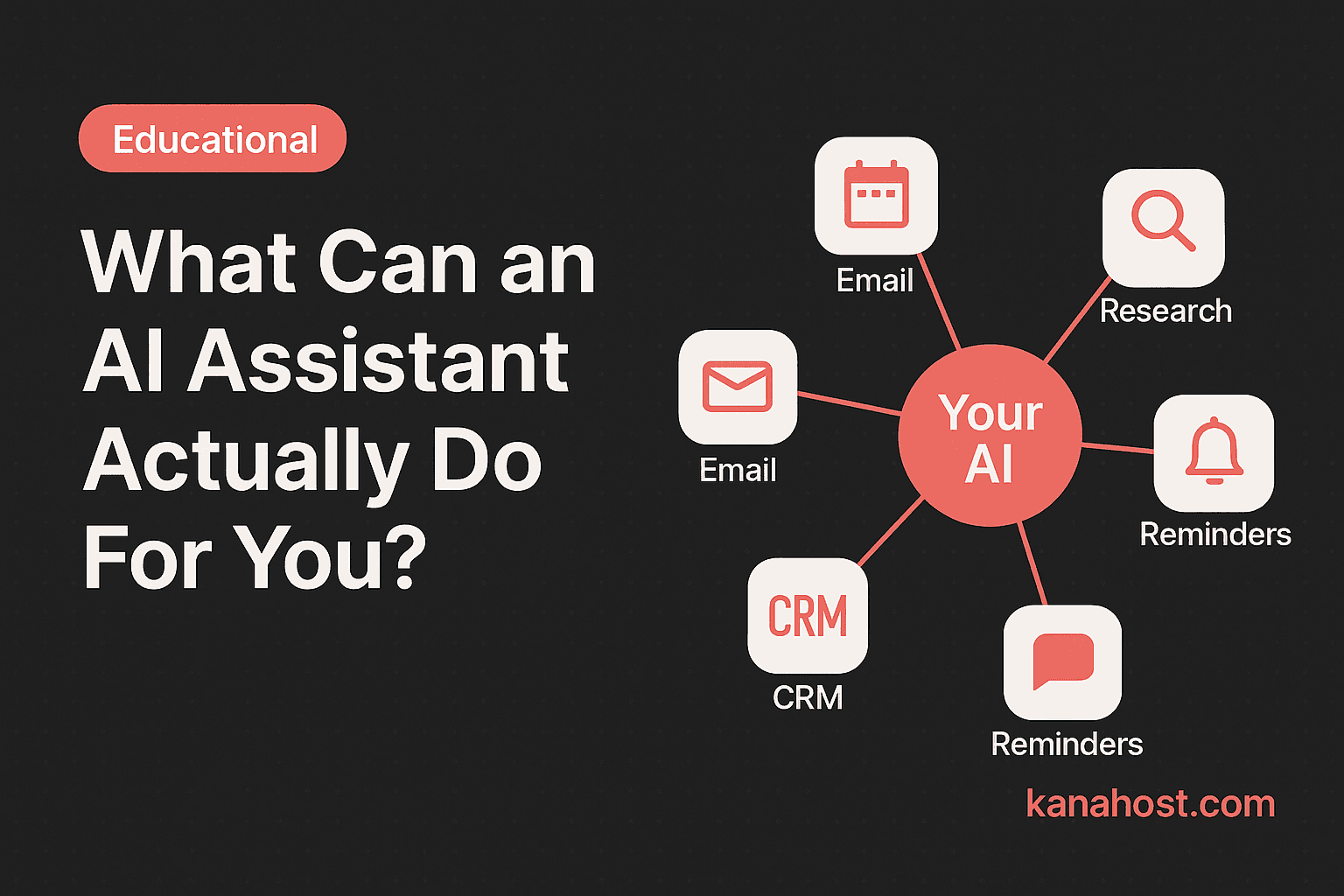
Strip away the buzzwords and look at the reality. What does an AI assistant actually do, day to day, in your real life?
Here is the answer, organized by how you work.
If You Run a Small Business
Your mornings are often consumed by logistics: checking email, reviewing the calendar, prepping for the first meeting, and glancing at numbers. This consumes an hour before you reach your core work.
An AI assistant automates these logistics.
- Morning briefing: Receive a summary of your day at 7:00 am, including meetings, urgent email triage, and weather, so you start informed.
- Email triage: Your assistant reads your inbox, flags what requires attention, and summarizes the rest. You engage with high-value communication instead of scrolling through noise.
- Customer follow-ups: Your assistant identifies missed communications, such as an unanswered client email from last week, and prompts you to check in.
- Research on demand: Request information on market trends or project costs and receive an answer with cited sources in seconds.
You are not replacing your expertise. You are removing the low-value administrative work that consumes your time.
If You're a Freelancer or Consultant
You manage every aspect of your operation: sales, delivery, admin, and marketing. An AI assistant acts as a dedicated office manager.
- Meeting prep: Request a briefing on a client before a meeting. Your assistant pulls past correspondence, company details, and prior discussion points.
- Drafting: Describe the parameters of a proposal, and your assistant creates a first draft. This reduces the time spent on document creation.
- Time tracking: Your assistant tracks your project hours and prompts you to log them when tasks are complete.
- Administrative follow-ups: Your assistant monitors outstanding invoices and drafts professional, polite reminders when payments are overdue.
If You're a Real Estate Agent
Your schedule is unpredictable. Leads, showings, and documentation require constant attention. An AI assistant maintains your workflow.
- Lead response: When a lead arrives via your website, your assistant sends a personalized response within minutes, using information tailored to their specific inquiry.
- Showing prep: Request property details before a showing. Your assistant provides listing information, comparable sales, and relevant neighborhood data.
- Transaction tracking: Query the status of any closing, and your assistant retrieves the timeline and indicates what items remain pending.
- CRM naturally: Your assistant remembers every client interaction. Query your history naturally—"When did I last speak with [Name]?"—and receive an accurate answer.
If You Manage a Household
Logistics are not limited to business.
- Calendar coordination: Maintain a single view of family commitments, including appointments and school events.
- Research and planning: Request meal plans based on dietary preferences or research local services and summer camps.
- Reliable reminders: Set reminders for personal tasks that trigger at an appropriate time in your timezone.
The Pattern
In every case, the AI does not perform your job. It manages the peripheral tasks—admin, preparation, follow-ups, and research—that must occur but do not contribute to your primary goals. This is the value: freeing your time for work that moves the needle.
Privacy
When an assistant connects to your email, calendar, and contacts, privacy is the priority. With KanaHost, the answer is simple. Your assistant runs on a dedicated server built just for you. We manage the infrastructure, but we never access your information. Nothing is trained on your data. No third party accesses your assistant. It is simply your assistant, performing its role, privately.