You've heard the term "AI assistant" a lot. Most of them are chatbots. You talk to them, they talk back, and that's it.
OpenClaw is different.
OpenClaw is an open-source AI project designed to act on your behalf. Think of it less like a chatbot and more like a digital assistant that actually has access to your life.
What It Does
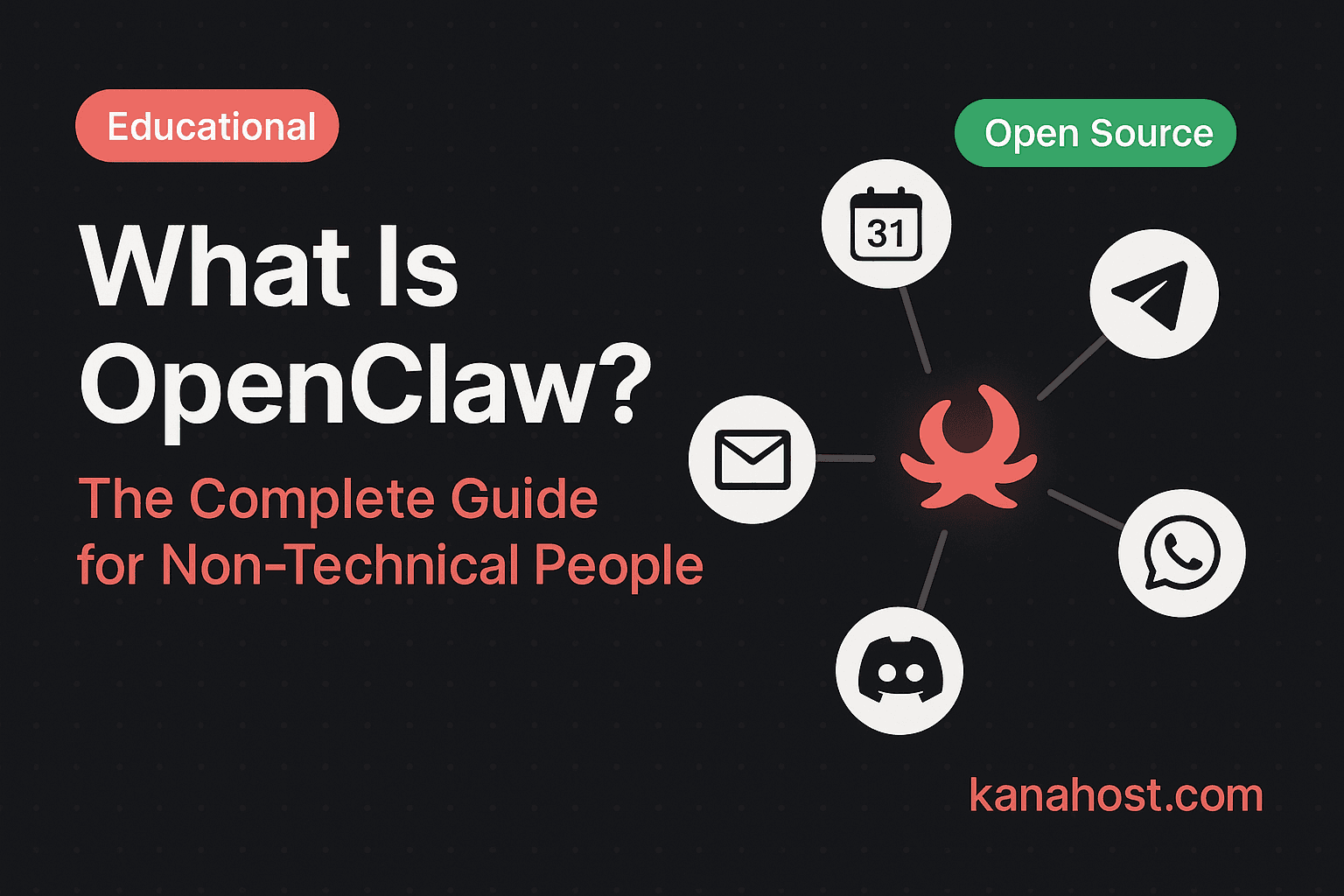
OpenClaw connects to the tools you already use every day. It doesn't live in a separate app you have to check. It lives in:
- Your messaging apps: Telegram, WhatsApp, Discord.
- Your email: It can read, draft, and organize your inbox.
- Your calendar: It can check your schedule and book meetings.
- Your documents: It can summarize files and research topics.
The key difference from other AI tools: OpenClaw doesn't just answer questions. It takes action. It sends the email, books the meeting, files the document, and follows up when you forget.
How It's Different
Most AI services own your data. When you ask them a question, that information is used to train their systems.
OpenClaw is different because it is designed to be private. It is software that runs on infrastructure dedicated to you. It doesn't learn from your data to teach someone else's model. It learns from your data to help *you*.
Because it's open-source, the code is publicly available for anyone to inspect. There are no hidden features collecting your data. No algorithms you can't see. No terms of service that change without notice. What you see is what you get.
Who It's For
OpenClaw is for anyone who wants an assistant that does more than just chat.
- Small business owners: Who are buried in emails and admin work and need something that handles the logistics.
- Consultants and freelancers: Who need a second brain to track client requests, deadlines, and follow-ups.
- Real estate agents: Who juggle leads, showings, and paperwork across a dozen communication channels.
- Anyone who values their time: And wants to automate the boring parts of their day so they can focus on work that matters.
The Technical Part (Made Simple)
OpenClaw needs a server to run on. Think of it like installing an app, except the app runs on a computer in a data center instead of your phone. It needs to be online 24/7 so your assistant is always available.
Setting this up yourself involves a VPS (a rented server), Docker (a way to package software), SSL certificates (for encryption), and ongoing maintenance. For technical people, it's a weekend project. For everyone else, it's a barrier.
How to Get Started Without the Technical Work
You don't need to be an engineer. You don't need to know how to code. Services like KanaHost handle the setup, configuration, and maintenance. You tell us how you work — your tools, your schedule, your priorities — and we provide you with your own private AI assistant, ready to go in under 24 hours.
No server management. No Docker. No SSL certificates. Just your assistant, running on dedicated hardware, available whenever you need it.